
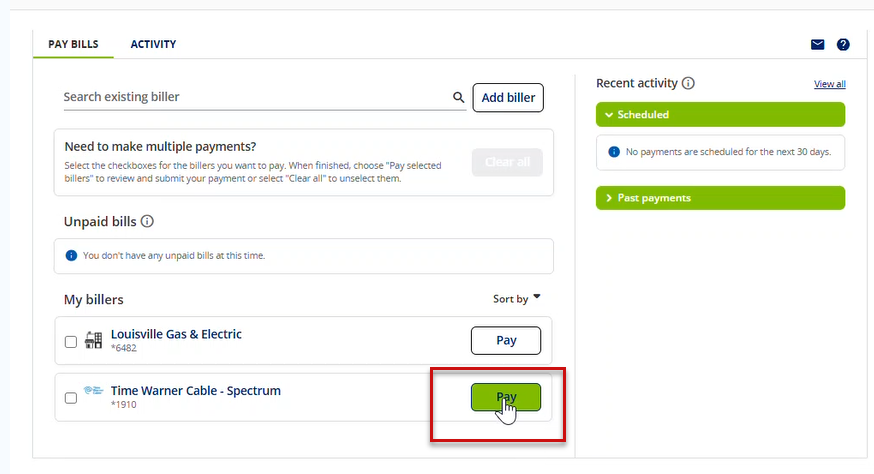
If you have already set up your payee in your Online Banking Bill Pay account, you will then need to locate your payee under the My billers listing. Select the biller you wish to set up for scheduled repeat payments.
1. Set up the payment by inputting the desired scheduled payment amount and delivery date.
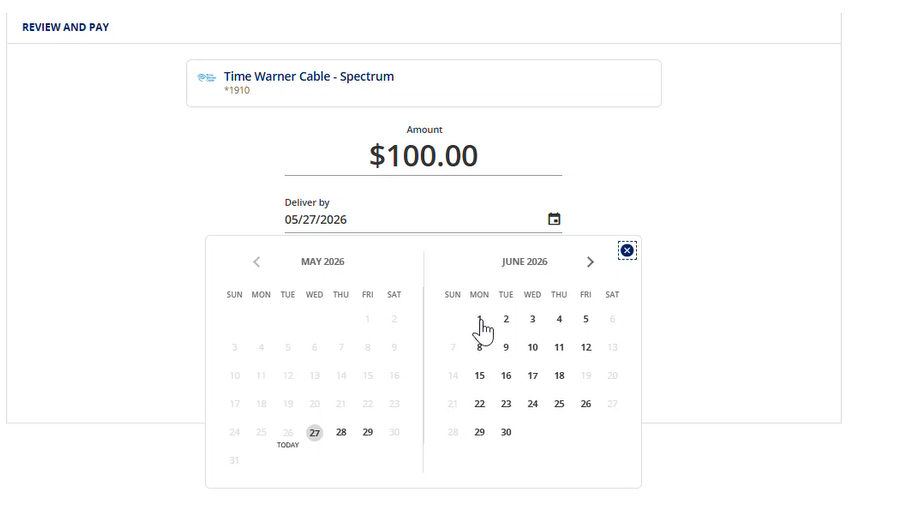
2. Once payment details are entered, toggle the Make this a repeat payment option to on.

3. Select the frequency of the payment you wish to repeat. 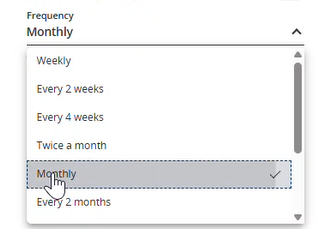
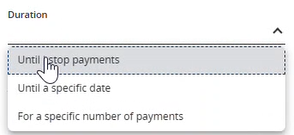
4. Select the duration of your repeated payment.
5. Communication preferences will set be set to send via email when the payment is Due and when it has been sent. You may update these not to send by toggling them to Off.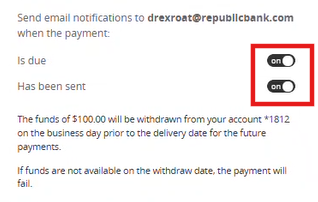
6. Confirm your repeated payment by clicking Add autopay

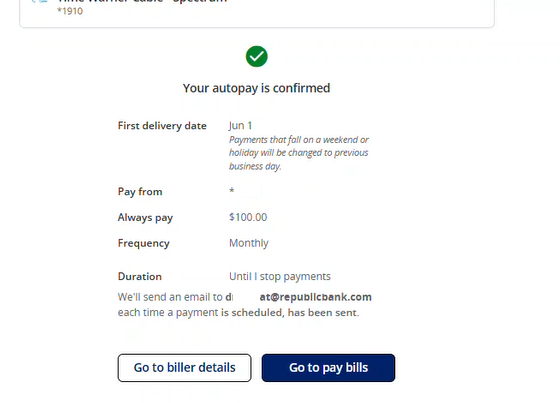
7. Confirmation will display. Click Go to pay bills to return to the main Bill Pay screen.
Can't find what you're looking for? Contact us.