
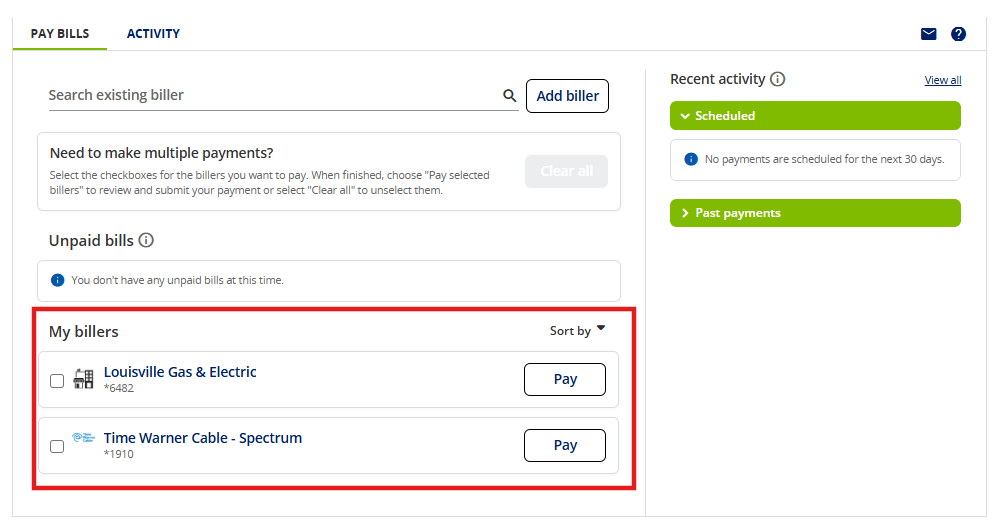
If you have already set up your payee in your Online Banking Bill Pay account, you will then need to locate your payee under your My billers listing. Select the biller you wish to pay.
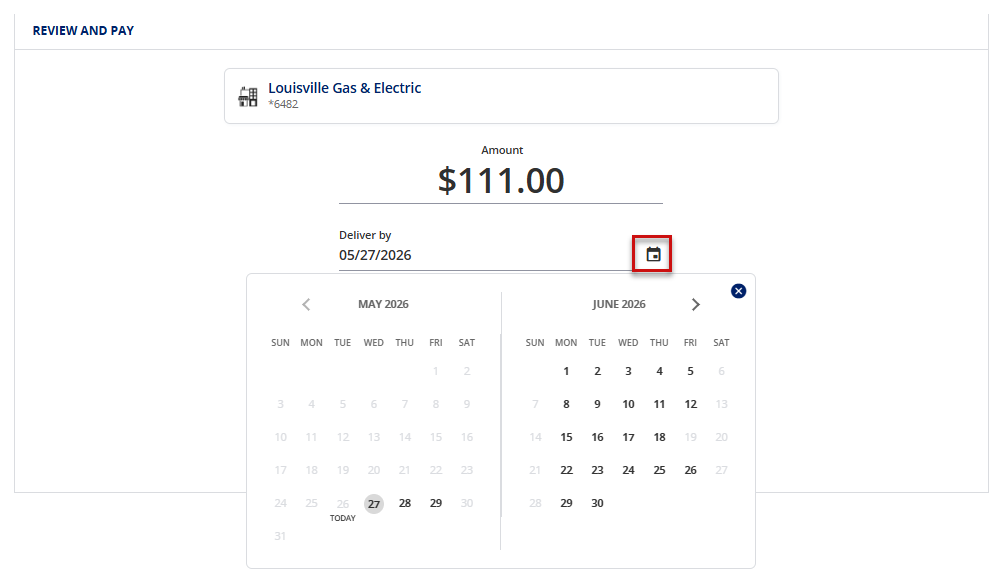
1. Enter the amount you wish to pay.
2. Use the Calendar icon to choose a date. This will be the Deliver By date.
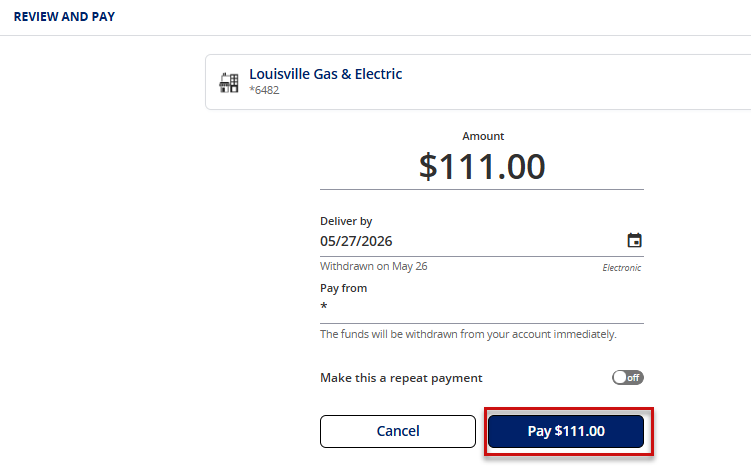
3. Click Pay to make your payment.
4. Payment confirmation will display. Click Done to return to main Bill Pay screen.
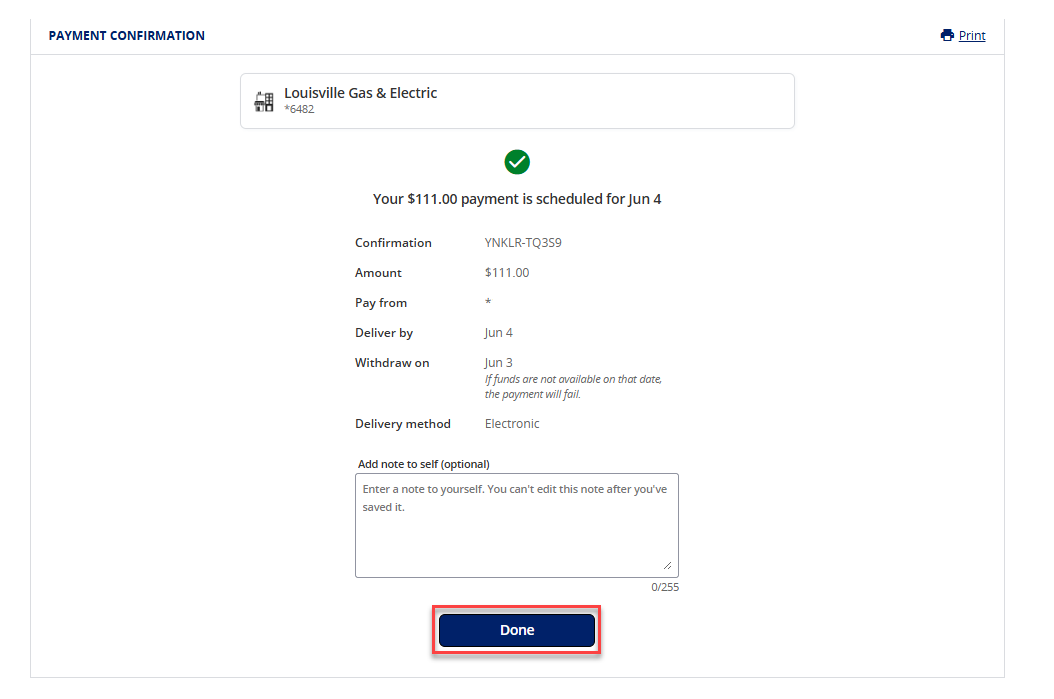
Payment will now show under Scheduled. 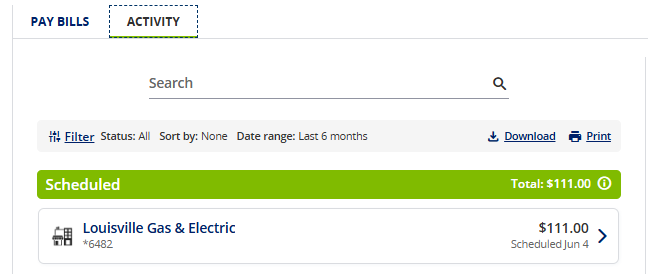
Can't find what you're looking for? Contact us.